Product features
Everything your schedule needs
One-click optimization. Employee self-service. Every feature pulls toward a schedule your team trusts.
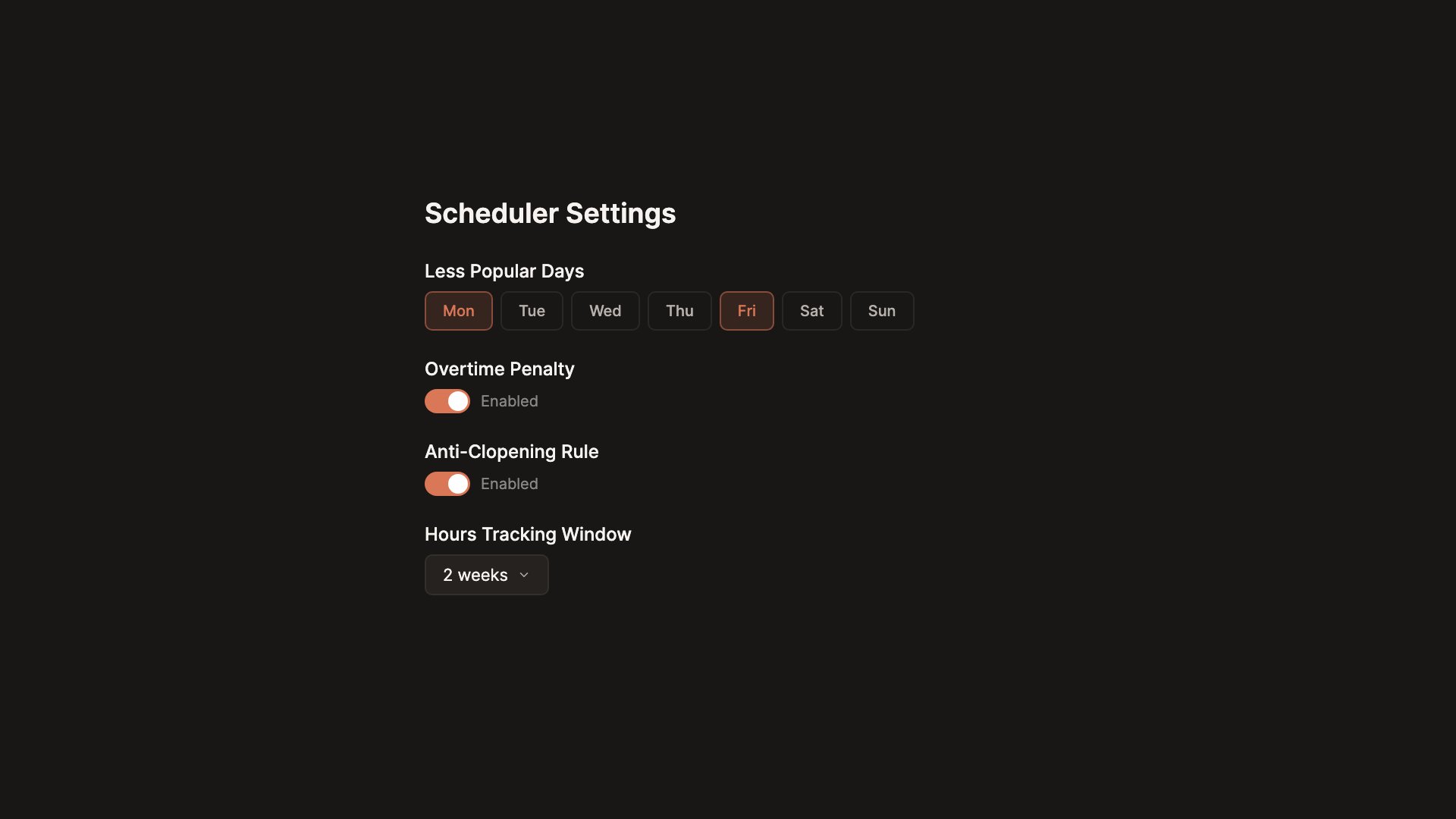
The rules your team lives by, enforced
You shouldn't have to remember every rule. Set them once. The optimizer enforces rest time, max hours, role requirements, eligibility, and availability.
- Minimum rest between shifts. No clopens.
- Maximum hours per week respected automatically
- Role and certification requirements enforced
- Availability and approved time-off always honored
Schedules your team actually trusts
Every schedule gets a fairness score from Poor to Excellent. You see how balanced it is before anyone else does. A number your team can point to when they ask why.
- Tough shifts shared equally across the team
- Part-time and full-time staff balanced proportionally
- Monday and Friday assignments tracked per person
- A score you can show your team when they ask "why me?"
From hours of work to one click
Stop spending half your week on a schedule. Hit one button. Coverage filled, shifts balanced, preferences honored. Hours of work, done in minutes.
- Coverage, roles, and availability handled all at once
- Preferences and time-off requests built into every run
- Works for teams of 5 or 200
- Run it again. Every version is saved.
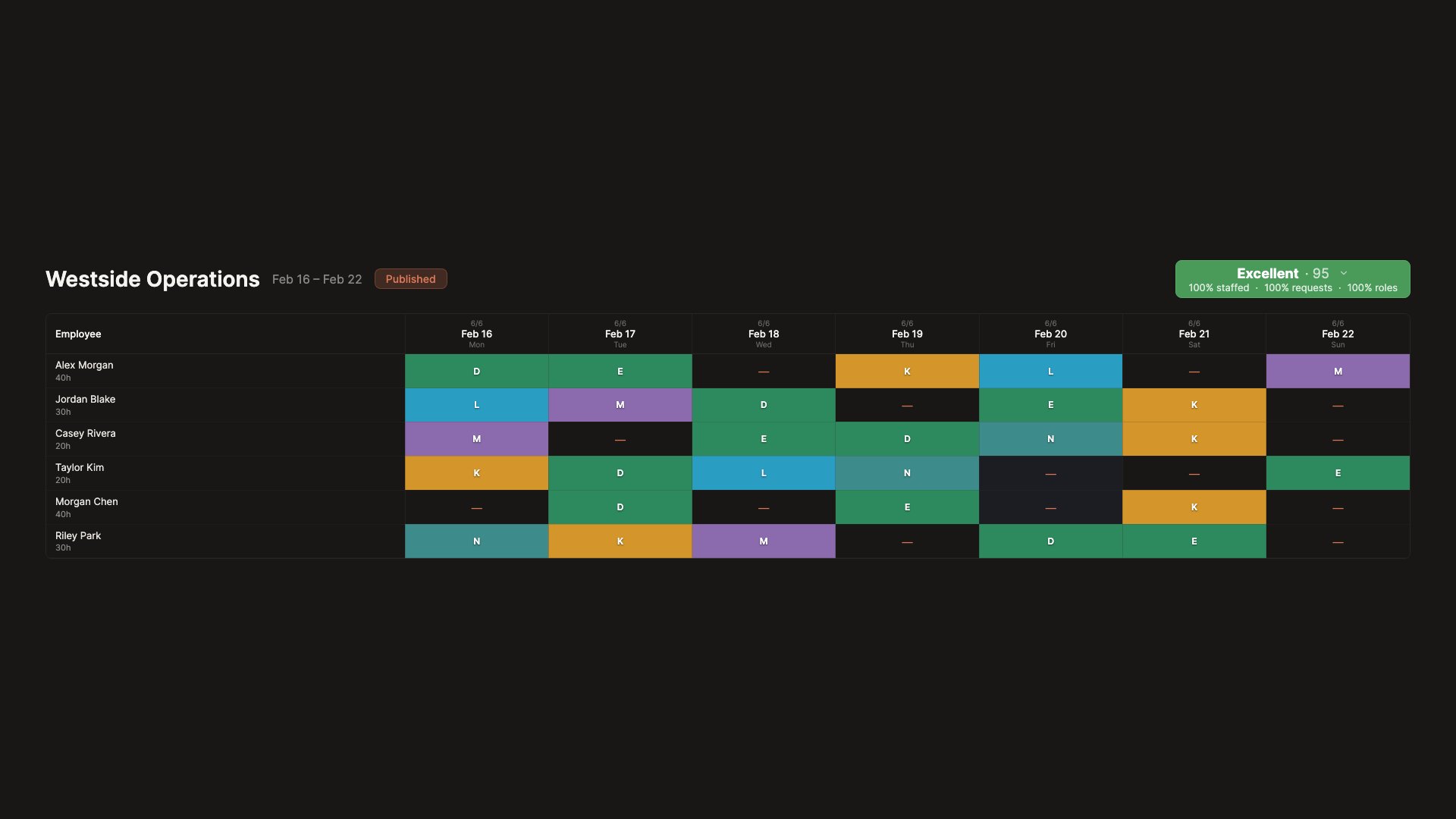
See your whole team at a glance
The schedule view is built for how you actually work. Names stay pinned. Shifts are color-coded. Edit in the grid without opening a form.
- Names and dates stay visible as you scroll
- Color-coded shifts make patterns easy to spot
- Click any cell to assign or change a shift
- Find anyone instantly with search and filters
Try it different ways, keep what works
Not sure if this version is the one? Run the optimizer again and compare them side by side. Every version is saved automatically so you can always go back. No more "I liked the last one better" with no way to recover it.
- Every run saved as a new version automatically
- Compare two versions side by side to see what changed
- Switch back to any previous version with one click
- Make manual tweaks and the fairness score updates live
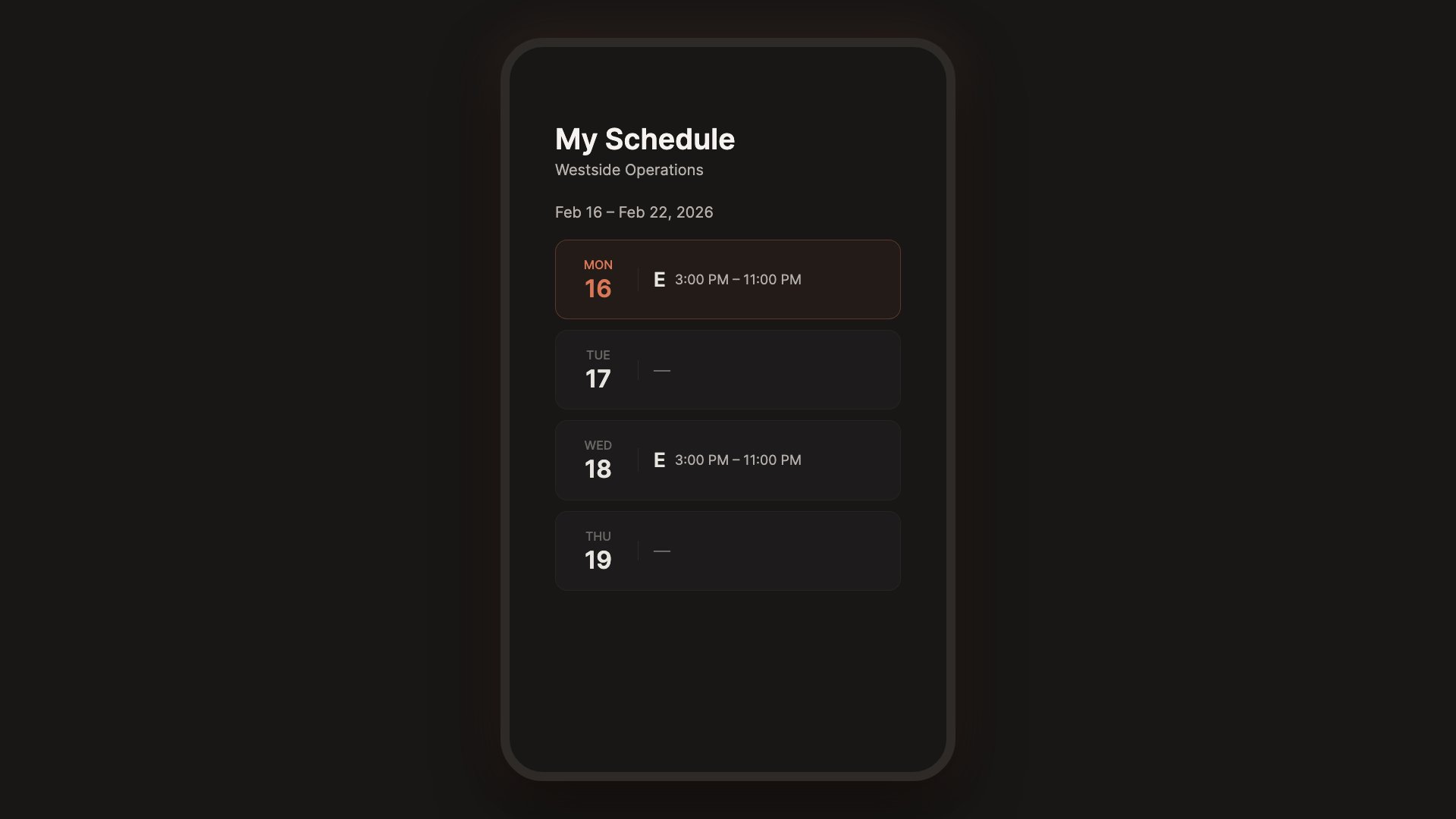
Publish it and everyone knows
When the schedule is ready, every employee gets a personal link. No app to download. No login to remember. They open it on their phone and see their schedule.
- Personal link for each employee. Works on any device.
- No app download or account creation needed
- Employees see their own shifts and upcoming schedule
- Export to PDF or Excel when you need a printed copy
Time-off requests that don't get lost
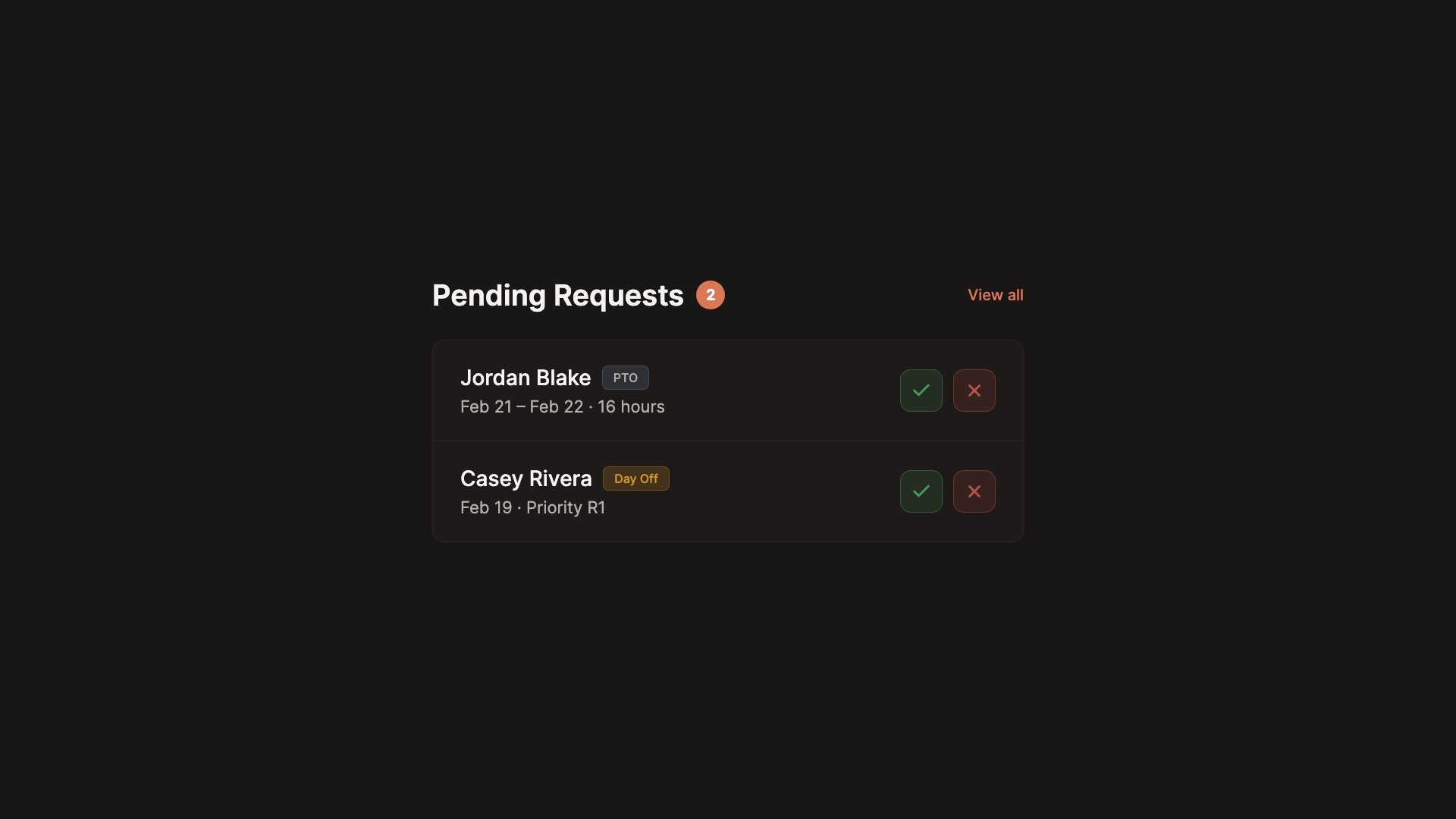
Your team submits their PTO and day-off requests through the portal. You approve or deny from your dashboard. When you run the optimizer, approved time off is already in. No sticky notes. No forgotten emails.
- Employees submit requests from their portal link
- Approve or deny from your dashboard in one click
- Approved PTO is locked. The optimizer will not override it.
- Employees can rank requests by what matters most to them
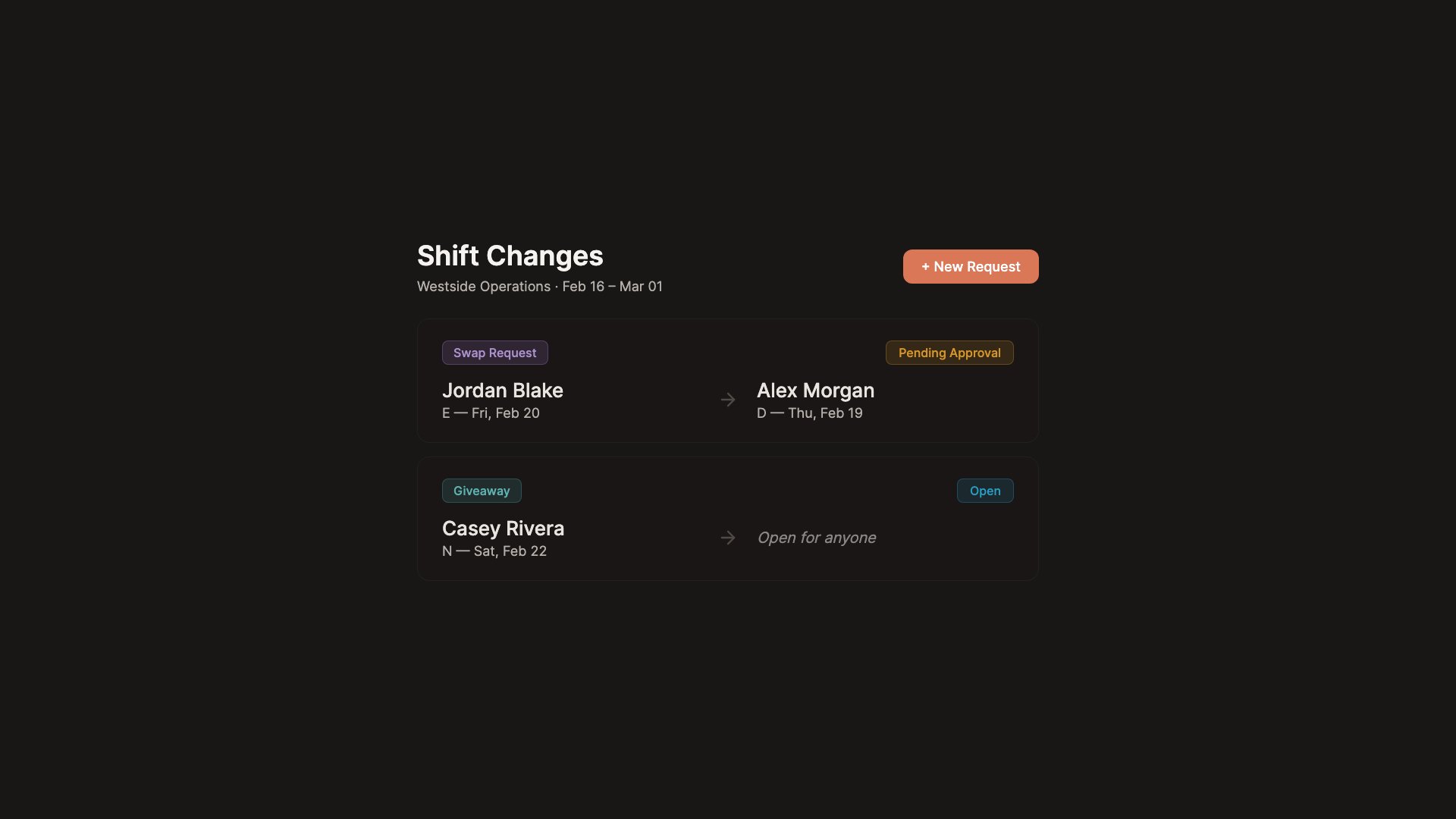
When plans change, the schedule keeps up
Someone needs to swap a shift or give it away. They do it through the portal. You review and approve. The schedule updates. No group texts. No phone trees.
- Employees request swaps directly through their portal
- Post a shift for someone else to pick up
- You approve every change before it goes live
- The full history is tracked so nothing falls through the cracks
Ready to schedule?
Start scheduling for free. No credit card required.